

How it works
From ad link to campaign copy, with a control group attached.
Five steps. One of them is technical, and it is one short snippet you paste once.
Add the script tag
Lens starts with one short snippet in your site's <head>. Copy it from the dashboard and paste it where your platform takes custom code: a theme setting in WordPress or Shopify, the custom code panel in Webflow, a Custom HTML tag in Google Tag Manager, or your template if you write your own HTML.
The tag ships with a short style rule that hides headings and paragraphs for up to three seconds while Lens decides which version to show. Visitors who are not part of a campaign see your original page as soon as Lens answers. If Lens cannot answer, the original appears when the three seconds are up.

Lens scans your pages
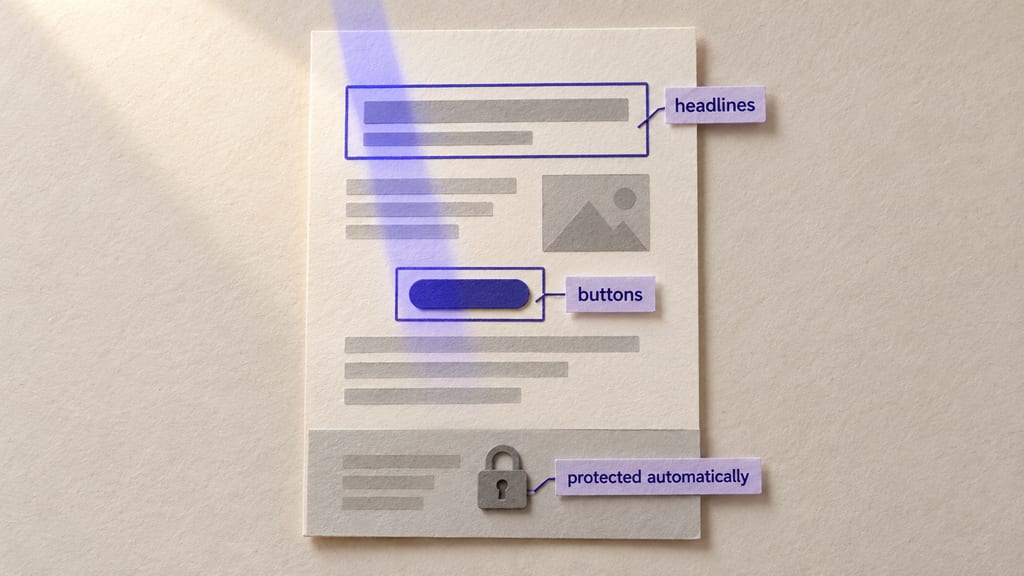
Give Lens the pages your ads point at. It fetches them and lists the text blocks it can change: headlines, subheads, body paragraphs, buttons and captions, each with its role.
You pick which blocks a campaign may rewrite. Footers, legal text and cookie notices are protected automatically, and a developer can fence off anything else by adding data-foundry-protect to it.
Create a campaign from your ad link
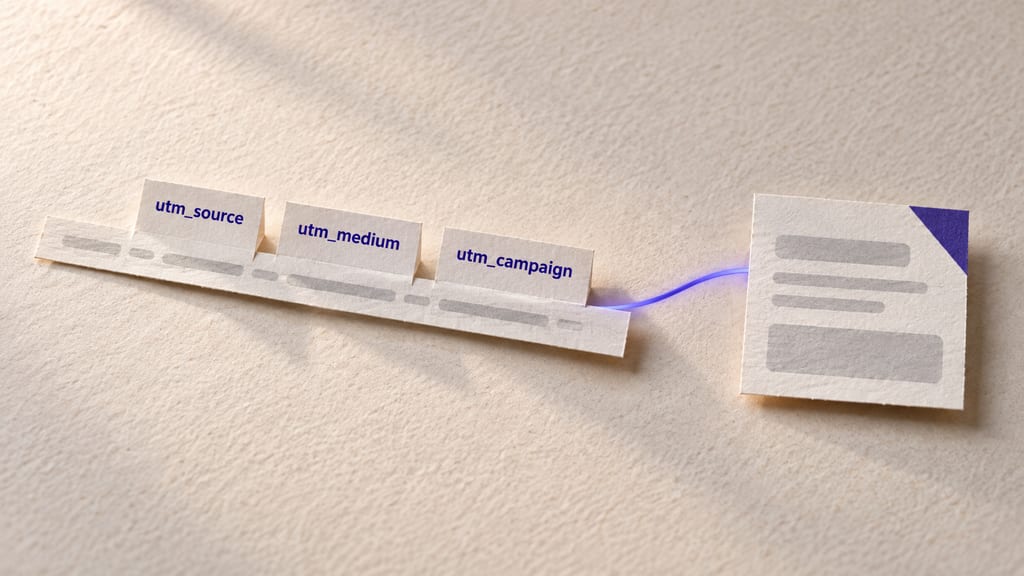
Paste the full URL from one of your ads. Lens reads utm_source, utm_medium and utm_campaign out of it (plus utm_term and utm_content when they are there) and suggests a short description of who the campaign is for. Edit the description until it sounds like the person you are paying to reach.
Those three UTM values are how a visitor is matched to the campaign later, and the match is exact. A visitor who arrives without UTMs is never matched, so your organic traffic always sees the original page.
Choose your copy
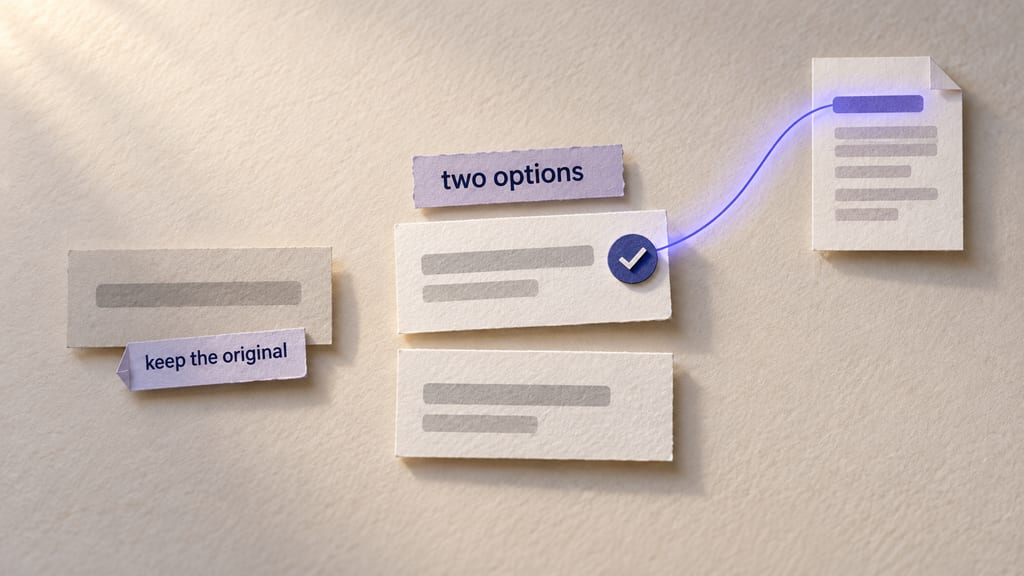
For every block you allowed, Lens writes two options aimed at the audience you described. Keep one, edit it, write your own or keep the original. Regenerate an option if neither is close.
Nothing is published until you publish it. The copy you approve is the only copy a campaign visitor can see.
Publish, then measure against the original
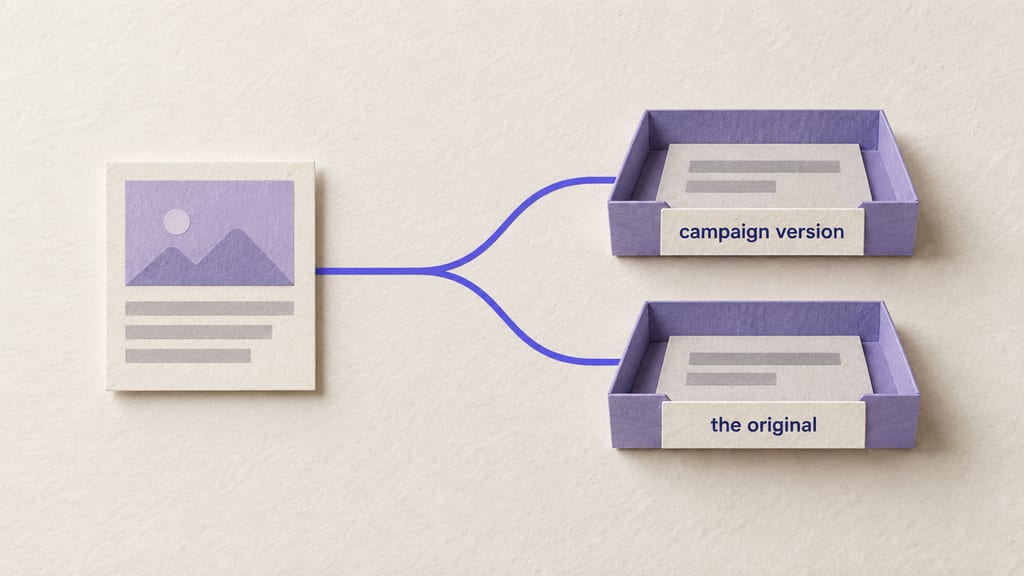
Once published, visitors from that campaign see the campaign version. A share of them, set by your holdback rate, keeps seeing the original. Each visitor is assigned once and stays in the same group on later visits.
Lens counts conversions for both groups and the dashboard shows the rates side by side. The measurement page explains what the numbers can and cannot tell you.


What step four looks like
Your original on one side, two options on the other. This is a mock of the review screen.
Ad link
utm_source=linkedin&utm_medium=paid-social&utm_campaign=multi-clinic-staff-scheduling
Original
Most businesses run on spreadsheets, inboxes and apps that were never built to work together. We connect them, build what's missing, and put AI where it takes real work off your team.
Option 1
Staff float between sites with no real-time view of availability. Shifts overlap or go unfilled. Coverage gaps appear mid-week.
Option 2
Your care staff float between sites with no central view of who's scheduled where. Availability lives in text chains and spreadsheets. Gaps appear hours before shifts.
The first campaign takes an afternoon.
Add the tag, scan a page, paste an ad link and pick your copy. You can start on the free plan.